Introduction
I once discovered an old shopping account still had my full home address and payment details saved, years after I’d forgotten it even existed. That moment made me actually audit my digital footprint properly for the first time. If you’re looking to genuinely learn how to protect personal data online, this covers realistic steps that fit into normal daily life — not an extreme, impractical privacy overhaul nobody actually sustains long-term.
Why Personal Data Protection Matters More Than Ever
Direct answer: personal data protection matters increasingly because data breaches have become more frequent, data brokers actively collect and sell personal information, and stolen data increasingly gets used for targeted scams and identity theft rather than sitting unused in some database somewhere.
That forgotten shopping account I mentioned? Exactly the kind of overlooked risk that quietly accumulates over years of casual internet use.
Related GDPR Compliance Checklist for Small Businesses in 2026
Auditing What Data You’ve Already Shared
Before adding new protections, it genuinely helps to understand your existing exposure first.
- Search your own name periodically to see what information is publicly accessible
- Review old accounts you’ve forgotten about and delete unused ones
- Check what personal information social media profiles reveal publicly by default
Picture discovering an old forum account from a decade ago still displaying your full name and location publicly — this kind of forgotten exposure is more common than most people realize.
Strengthening Your Password Practices
This remains foundational, regardless of how many other privacy measures you take.
- Use unique, strong passwords for every account, managed through a reputable password manager
- Enable multi-factor authentication wherever it’s offered, especially for financial and email accounts
- Avoid using easily guessable personal information within passwords themselves
[link to related guide about cybersecurity tips for remote work here]
Being Careful With What You Share on Social Media
Social media platforms encourage oversharing by design, and it’s worth being deliberately more cautious than the platforms themselves nudge you to be.
- Review privacy settings regularly, since platforms occasionally reset defaults after updates
- Avoid publicly sharing real-time location information
- Limit how much personal detail (birthdate, address, daily routine) appears in public profiles
Numbers worth noting: research on identity theft consistently shows that information gathered from public social media profiles plays a role in a meaningful share of successful scam and identity theft attempts.
Managing Browser and App Permissions
Most people grant far more app permissions than the app genuinely needs to function properly.
[link to related guide about best free photo editing apps here]
- Review app permissions periodically, revoking access that seems unnecessary for the app’s core function
- Use browser privacy settings to limit tracking cookies where possible
- Consider privacy-focused browser extensions for additional protection against tracking
Understanding Data Brokers and Opting Out
This is a step most people never even know exists. Data brokers collect and sell personal information, often without direct user awareness.
- Several services now exist specifically to help remove your information from data broker databases
- Opt-out processes can be tedious but are often free to complete manually if you’re willing to invest the time
- This step particularly matters for anyone concerned about targeted scams or unwanted marketing contact
[link to related guide about GDPR compliance checklist here]
Being Cautious With Email and Phishing Attempts
Personal data protection extends beyond settings and passwords into genuine day-to-day vigilance.
- Be skeptical of unsolicited emails requesting personal information, even from seemingly familiar senders
- Verify unusual requests through separate communication channels before responding
- Avoid clicking links in unexpected emails, even ones appearing to come from known companies
Protecting Children’s Data Privacy Specifically
For parents, this deserves particular attention, since children’s data often gets shared without full consideration of long-term implications.
- Be cautious about sharing identifiable photos or information about children publicly
- Review privacy settings on apps and games specifically designed for children
- Teach children basic privacy awareness appropriate for their age as they grow older
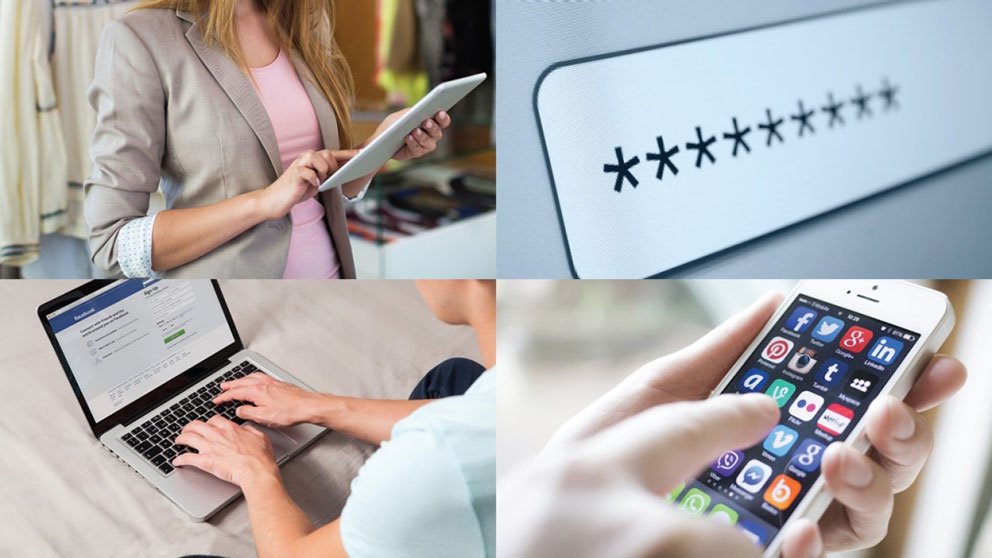
Suggested image alt text: “Person reviewing privacy settings on smartphone with social media apps visible”
FAQ
Q: What’s the easiest first step to protect personal data online? A: Enabling multi-factor authentication on your email account specifically, since email often serves as the recovery point for most other accounts.
Q: Can I remove my information from data broker websites? A: Yes, either manually through opt-out requests or through dedicated services designed specifically for this purpose.
Q: Is it safe to save payment information on shopping websites? A: Generally reasonable for frequently used, reputable sites, but worth periodically reviewing and removing information from accounts you no longer actively use.
Q: How often should I review my social media privacy settings? A: Every few months is reasonable, since platforms occasionally update default settings that can inadvertently expose more information.
Q: Does using a VPN fully protect my personal data online? A: It helps significantly with network-level privacy, but doesn’t address other risks like weak passwords or oversharing on social media.
Conclusion
Learning how to protect personal data online doesn’t require extreme measures — it requires consistent, realistic habits built gradually into your existing routine. Start with an old-account audit and multi-factor authentication this week. What forgotten account might still be holding onto more of your personal information than you’d like?